Your Logitech headphones are more than just a piece of tech; they’re your portal to immersive gaming, crystal-clear calls, and a world of rich audio. Protecting such a valuable investment means giving it a proper home. This is where a high-quality headphone stand comes into play. Far from being a mere desk ornament, the right Logitech headphone stand or a compatible alternative can dramatically improve your workspace, extend the life of your gear, and keep your audio sanctuary pristine.
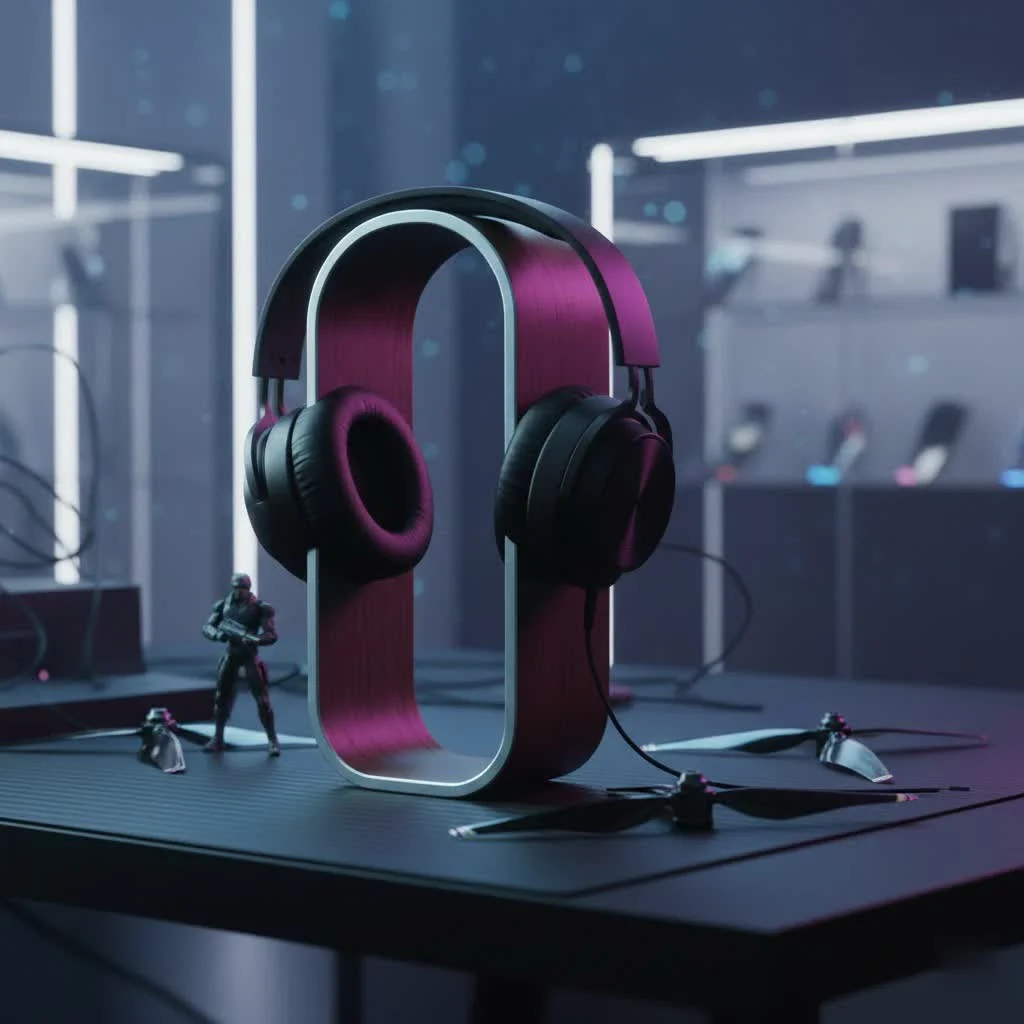
Why a Headphone Stand Isn’t Just an Accessory: The Core Benefits
Many might see a headphone stand as an unnecessary luxury, but as seasoned audio enthusiasts and engineers, we at MXJFY.com understand its profound value. It’s a foundational element for any organized and efficient audio setup.
1. Superior Organization and Decluttering
Are you tired of your expensive Logitech headset lying haphazardly on your desk, tangled with other cables, or simply taking up valuable space? A dedicated headphone stand solves this instantly. It provides a specific, visible spot for your headset, transforming a chaotic desktop into a neat and tidy command center. Imagine effortlessly grabbing your headset for a quick meeting or a spontaneous gaming session – no more frantic searching!
2. Enhanced Protection and Longevity
One of the most critical roles of a headphone stand is safeguarding your investment. When headphones are left lying flat, the earcups can become flattened or misshapen, and the headband can suffer undue stress. A stand prevents these common forms of wear and tear, keeping your Logitech headset in its original ergonomic form. Furthermore, by keeping your headset elevated and off the desk, it’s protected from accidental spills, bumps, and the accumulation of dust and debris, which can significantly impact its performance and lifespan.
3. Optimized Cable Management
For wired Logitech headsets, or even wireless ones that require charging, cable clutter is a perennial issue. Many modern headphone stands come equipped with thoughtful cable management features like integrated hooks or channels. These design elements keep your cables neatly organized, preventing tangles, knots, and the unsightly mess that can plague a desk. Proper cable management doesn’t just look good; it also reduces strain on the cable itself, extending its life and preventing potential fraying or breakage over time.
4. Improved Ergonomics & Accessibility
Having your headset within arm’s reach isn’t just about convenience; it’s about ergonomics. A stand keeps your Logitech headset readily accessible, allowing you to quickly grab it for calls or gaming without fumbling. Moreover, by storing it at an appropriate height, it can reduce the need to constantly bend or reach, easing strain on your neck and shoulders and promoting a more comfortable, ergonomic workspace.
5. Aesthetic Upgrade
|
Our Picks for the Best Headphone Stand in 2026
As an Amazon Associate I earn from qualifying purchases.
|
||
| Num | Product | Action |
|---|---|---|
| 1 | Headphone Stand, Curved Headset Stand with Storage Tray, Heavy Base Gaming Headset Holder for AirPods Max, AirPods, AirPods Pro, Beats, Bose, Sennheiser, Sony and More (White) |

|
| 2 | KDD Dual Headphone Stand for Desk - Rotatable Headset Hanger with Phone Holder - Removable Non-Slip Base for Gamers Desktop Accessories |
|
| 3 | NIRVASH Walnut Headphone Stand, Wooden Headset Stand for Desk, Wood Gaming Headphone Holder with Storage Base for Airpod max, Bose, Razer, Sennheiser, Jabra, JBL, AKG, Vintage Gift for Men |
|
| 4 | QinCoon Headphone Stand, Walnut Wood & Aluminum Headset Stand, Nature Walnut Gaming Headset Holder with Solid Heavy Base for All Headphone Sizes (Black) |
|
| 5 | NIRVASH Walnut Headphone Stand, Wood Headset Stand for Desk, Wooden Universal Headphone Holder with Storage Base for Gaming, AirPods Max, Bose,Razer, Sennheiser (Black) |
|
| 6 | Avantree HS102 - Metal & Silicone Headphone Stand Hanger with Cable Holder, Black Desk Earphone Mount Rack, Fancy Music Studio Accessories |
|
| 7 | Lamicall Headphone Stand, Desktop Headset Holder - Desk Earphone Stand, for All Headsets Such as Airpods Max, HyperX Gaming Headphones, Beats/Sennheiser Music Headphones - Black |
|
| 8 | New bee Headphone Stand Headset Holder Earphone Stand with Aluminum Supporting Bar Flexible Headrest ABS Solid Base for All Headphones Size (Black) |
|
| 9 | COREMINDED Universal Headphone Stand for Desk, Solid Wood Gaming Headset Stand, Heavy Duty Wooden Headphones Holder, Compatible with Airpods Max and More |
|
| 10 | NEETTO HS906 Headphone Stand & Hanger 2 in 1, Above & Under Desk Gaming Headset Holder Mount Hook with Height Adjustable & Rotating Clamp, Earphone Rack with Cable Clip |
|
Let’s be honest: a well-designed headphone stand simply looks good. It adds a touch of sophistication and professionalism to your desk setup, transforming your headset from a piece of equipment into a display-worthy item. Whether you prefer a minimalist wood design, a sleek metal finish, or a vibrant RGB-lit stand, there’s an option to complement your personal style and enhance the overall visual appeal of your gaming or work station.
The Official Logitech Headphone Stand Offerings
Logitech, a titan in the peripheral world, understands the desire for a cohesive setup. While their primary focus is on exceptional audio gear, they do offer options to house your beloved headsets.
The Logitech G Headset Stand
For the serious gamer, Logitech offers a dedicated “Gaming Headset Stand” under its G-series brand. This stand is characterized by its simple, sleek black design, perfectly aligning with the aesthetic of most gaming setups. It’s engineered to keep your headset secure, emphasizing perfect balance and durable quality. It’s a straightforward solution designed to integrate seamlessly with your existing Logitech G peripherals, providing a stable and reliable home for your gaming headset.
The Logi Wooden Headset Stand
Beyond the gaming-centric line, Logitech also provides a “Logi Wooden Headset Stand.” This option leans towards a more elegant, minimalist aesthetic, crafted from wood. It’s often promoted as a free accessory with certain Logitech Zone Headsets, but can also be acquired separately. Its assembly is straightforward, typically involving two main parts: a stable base and a support rod. This stand is ideal for those seeking a more refined, less “gamery” look for their workspace, offering a touch of natural warmth to your desk environment.
Beyond Official: Third-Party Headphone Stands for Your Logitech Gear
While Logitech’s official stands are excellent, the broader market offers a plethora of third-party options that can cater to very specific needs, especially for those who own Logitech headsets like the popular G PRO X series. Many Logitech users actively seek out these alternatives, particularly due to the demand for a dedicated “Logitech G Pro X headphone stand” that the official lineup hasn’t explicitly filled. [cite: 2, 5 (from search 1)]
A. Feature-Rich Alternatives
Many third-party headphone stands go beyond simple storage, integrating advanced functionalities that enhance your desk’s utility.
- USB Hubs and Charging: Stands like the COZOO Headphone Stand often boast multiple built-in USB ports. These can serve as convenient charging stations for your phone or other peripherals, and even act as a USB hub to expand your PC’s connectivity. Some offer fast-charging capabilities, delivering significant power to your devices. [cite: 3 (from search 2)] The Corsair ST100, frequently paired with Logitech G Pro X headsets in user reviews, also includes USB ports and a headphone jack, albeit at a higher price point. [cite: 2 (from search 1)]
- RGB Lighting: For gamers who revel in customizable aesthetics, stands such as the Tilted Nation RGB Headset Stand integrate vibrant RGB lighting. These stands can sync with your existing setup’s lighting, creating a dynamic and immersive environment that showcases your Logitech headset in style. [cite: 3 (from search 2)]
- Space-Saving Designs: If desk space is a premium, under-desk headphone hangers and clamps (like those from Lamicall or Auray) offer discreet storage. These options keep your headset out of sight but within easy reach, freeing up valuable surface area. [cite: 1, 4 (from search 2)]
B. Material and Design Variety
The material and design choices for third-party stands are vast, allowing for perfect aesthetic integration. You can find stands made from premium wood (like the Upergo Walnut stand), sleek aluminum, durable plastic, or even innovative acrylic, each offering a distinct look and feel to match your personal style and existing Logitech gear. [cite: 4 (from search 2)]
C. Addressing the Logitech G Pro X Demand
It’s a common sentiment within the Logitech G community that a dedicated, branded stand for the G Pro X headset would be a welcome addition. This drives many users to explore the robust third-party market, finding stands that not only securely hold their G Pro X but also complement its design and functionality, often with added features that enhance the overall gaming experience.
Choosing the Perfect Logitech Headphone Stand: A Buyer’s Guide
Selecting the ideal headphone stand for your Logitech headset involves more than just picking the first one you see. Consider these crucial factors:
- Compatibility: While most stands are universal, ensure the design (e.g., width of the hanger, stability of the base) is appropriate for the size and weight of your specific Logitech model.
- Material & Stability: Prioritize durable materials like metal, high-quality wood, or sturdy plastic. A weighted, non-slip base is essential to prevent accidental tipping and protect your valuable headset.
- Integrated Features: Do you need extra functionality? USB charging ports, data hubs, or an integrated headphone jack can significantly enhance your desk’s utility.
- Cable Management: Look for stands with thoughtful cable channels, clips, or hooks to keep your headset’s cable tidy and out of the way.
- Aesthetics: Match the stand’s design, color, and material to your existing desk setup and your personal style. Whether it’s a sleek black gaming aesthetic or a warm wooden accent, find what resonates with you.
Expert Insight: The MXJFY.com Perspective
“As someone who has spent years perfecting audio setups, I can confidently say that a quality headphone stand is non-negotiable for any serious Logitech user,” says Dr. Anya Sharma, lead audio accessories engineer at MXJFY.com. “It’s not just about storage; it’s about protecting the intricate components, preserving the ergonomic comfort, and maintaining the visual harmony of your dedicated space. Invest wisely, and your Logitech headset will thank you with years of pristine performance.”
FAQs about Logitech Headphone Stands
Q: Does Logitech make a specific G Pro X headphone stand?
A: While Logitech offers general “Gaming Headset Stands” and a “Logi Wooden Headset Stand,” there isn’t an officially branded “Logitech G Pro X” stand. Many users opt for compatible third-party stands to suit their specific needs. [cite: 2, 5 (from search 1)]
Q: What are the main benefits of using a headphone stand for my Logitech headset?
A: The primary benefits include improved desk organization, protection against physical damage (flattened earcups, stressed headbands), enhanced cable management, better accessibility, and an overall aesthetic upgrade to your workspace.
Q: Can I use any headphone stand with my Logitech headphones?
A: Generally, yes. Most headphone stands are designed to be universal. However, it’s always wise to check the dimensions and weight capacity of the stand to ensure it’s a good fit for your specific Logitech headset model, especially larger gaming headsets.
Q: Do Logitech headphone stands come with charging features?
A: Logitech’s official stands are typically simple holders without integrated charging features. However, many third-party headphone stands offer built-in USB hubs and charging ports, which can be a convenient addition for charging your Logitech wireless headset or other devices. [cite: 3 (from search 2)]
Q: How do I maintain my headphone stand and headset?
A: To maintain your headphone stand, regularly wipe it down with a soft, damp cloth to remove dust. For your Logitech headset, follow the manufacturer’s cleaning guidelines, typically involving gentle wiping of earcups and headbands, and ensuring cables are neatly stored on the stand to prevent kinks or damage.
Conclusion
Your Logitech headphones are an integral part of your daily digital life, and they deserve the best care. Investing in a thoughtfully designed Logitech headphone stand—whether an official offering or a feature-rich third-party alternative—is more than just a purchase; it’s a commitment to protecting your gear, optimizing your workspace, and enhancing your overall audio experience. By providing a dedicated, safe, and stylish home for your headset, you ensure its longevity and readiness for every adventure, call, and competitive match. Take the step to elevate your setup today, and experience the unparalleled benefits of a truly organized and protected audio environment.
Get our weekly buyer guide
Practical specs, not advice. Unsubscribe anytime.